SEND USD
Send US dollars to a bank account
By the Shekel team · Product guide
Put your dollar balance to work. Shekel brings USD bank payments alongside your everyday naira and Bitcoin activity, with recipient details and a clear review before you send.
Follow along in the mobile app
Shown on iPhone with example details. Use the amounts, rates and payment details in your own Shekel account.
STEP 1
Add the US bank account
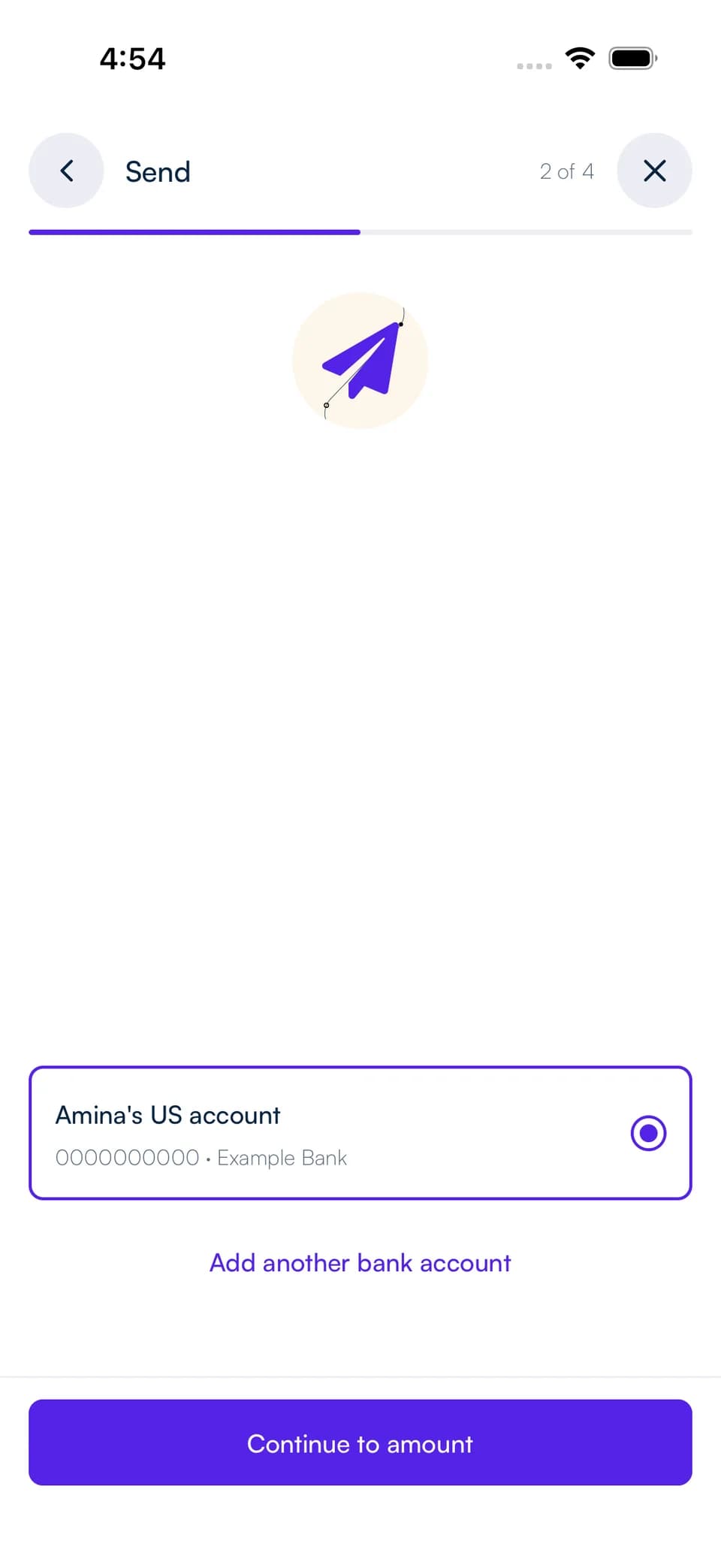
Open Send and choose USD bank transfer. Select a saved recipient or add the account holder name, account number, routing number, account type, and address requested in the form.
Confirm the bank details with your recipient. Saving a recipient lets you choose the same account again for your next payment.
STEP 2
Choose your balance and review
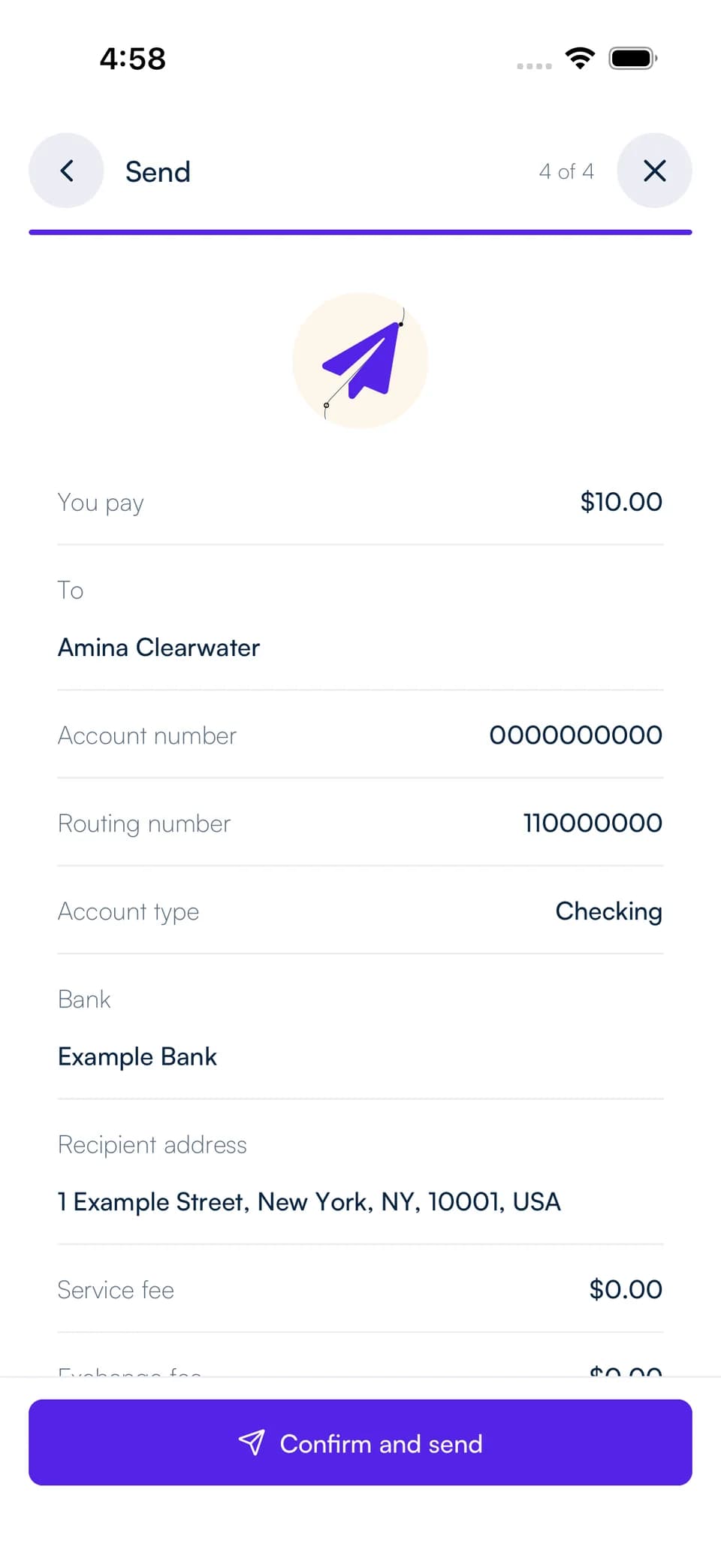
Choose the Shekel balance to pay from and enter the amount. Review the USD amount going to the recipient, the fee, and any exchange rate if you are paying from a different currency.
Complete the security confirmation to submit the transfer. Keep track of its progress and open the transaction details from your activity.
Choose how you send dollars
A USD bank transfer sends to a bank account. To pay another Shekelite in dollars, use their Shekel tag or payment link and choose USD as the currency they receive.
To send to a USDC wallet instead, choose that option in Send and select the recipient's network. USD bank details and USDC wallet addresses are different payment destinations.