BITCOIN BASICS
How to buy Bitcoin with naira
By the Shekel team · Product guide
Go from naira to Bitcoin in the same account. Shekel brings funding, currency swaps, and payments together, so your next step is always close at hand.
Follow along in the mobile app
Shown on iPhone with example details. Use the amounts, rates and payment details in your own Shekel account.
STEP 1
Add naira to your Shekel account
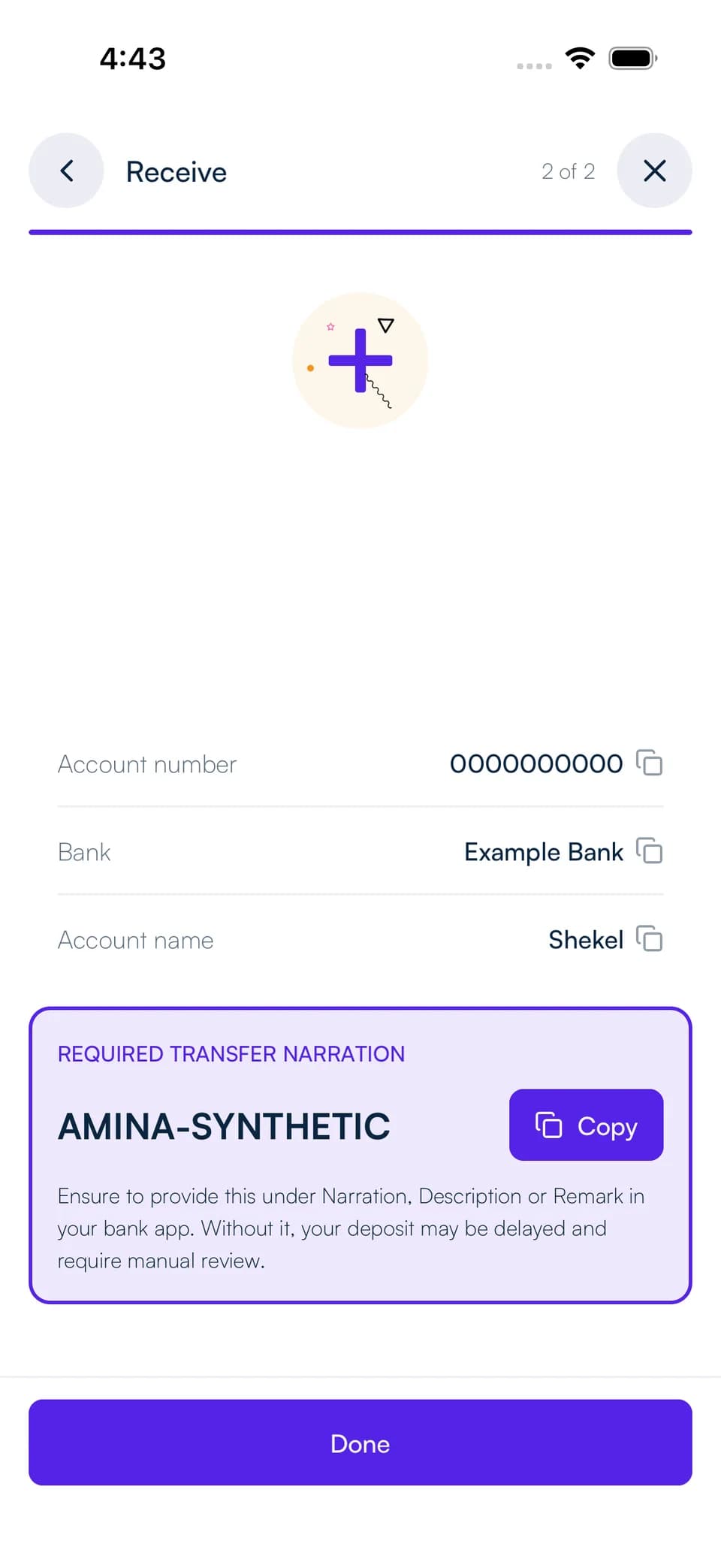
Create your Shekel account and complete the verification shown in the app. Open Receive and choose naira bank transfer.
Use the bank details and payment instructions displayed in your account. Once your deposit arrives, your naira balance is ready to use.
STEP 2
Choose your amount and review the swap
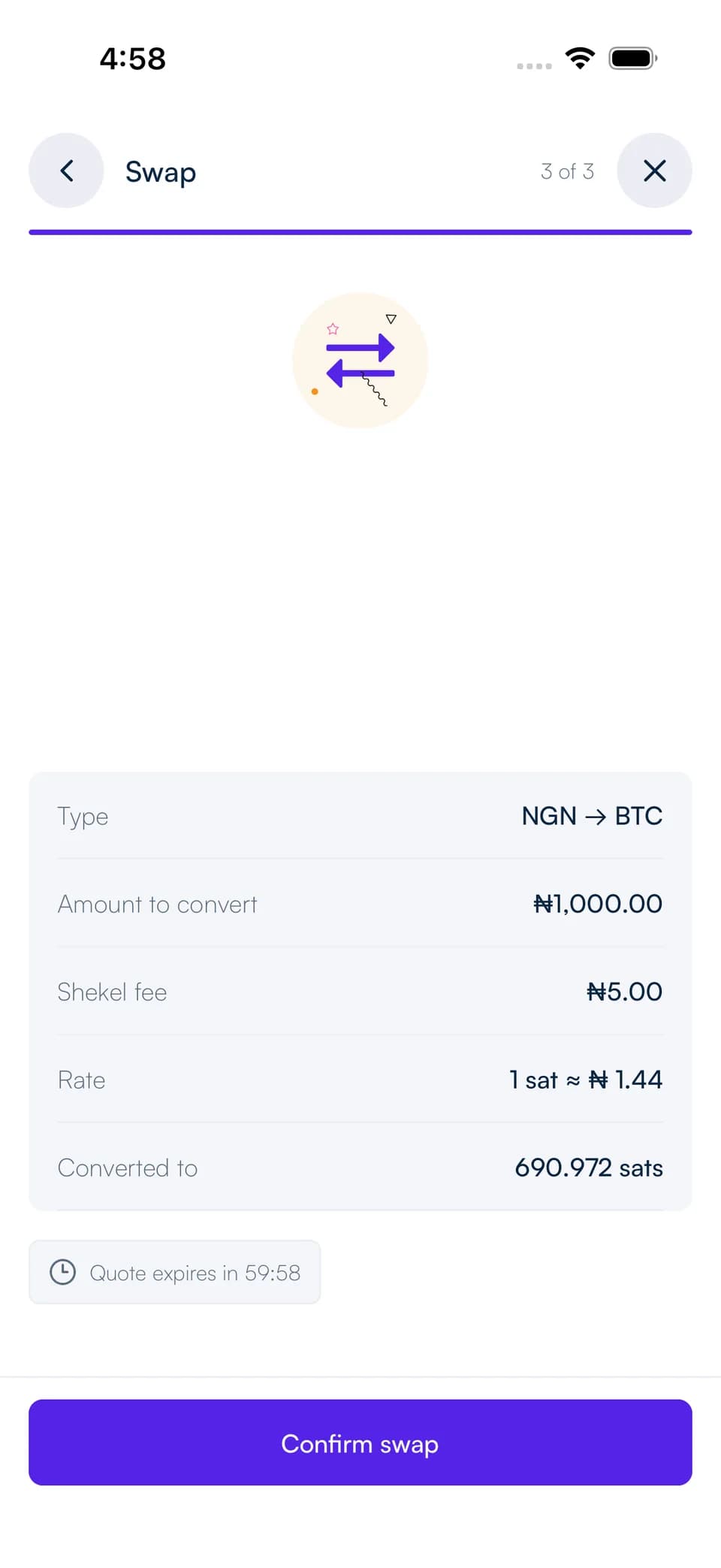
Open Swap, choose naira as the currency to sell and Bitcoin as the currency to receive, then enter your amount.
Review the exchange rate, fee, and Bitcoin you will receive before confirming. The live rates page helps you explore currency pairs; the quote in your account gives you the details for your swap.
Hold, send, or swap your Bitcoin
Keep Bitcoin in your Shekel balance, send it to another Shekelite, or transfer to a Bitcoin wallet using Lightning or an on-chain address. You can also swap back to naira or into USD.
Shekel manages the Bitcoin held in your account. You can send it to your own wallet using the withdrawal options in the app. Bitcoin's price can rise or fall; choose an amount that fits your plans.