KNOW THE COST
Understanding Shekel fees and exchange rates
By the Shekel team · Product guide
Know what you are sending and what arrives. Shekel brings the amount, rate, and fee together for you to review before confirming a swap or transfer.
Follow along in the mobile app
Shown on iPhone with example details. Use the amounts, rates and payment details in your own Shekel account.
STEP 1
Explore live rates
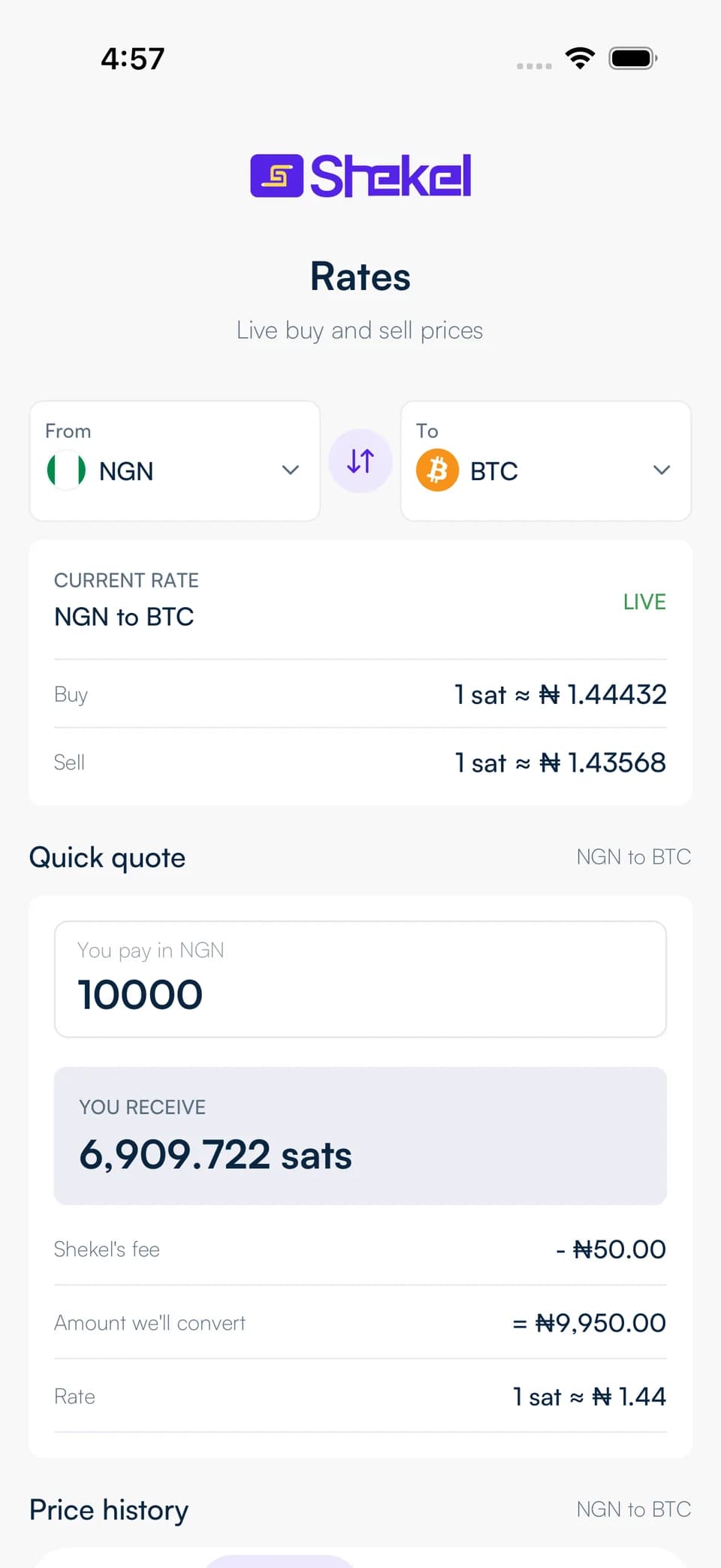
Visit the public rates page to explore naira, US dollar, and Bitcoin pairs. You can check the current buying and selling rates before creating an account.
When you are ready to swap or send, enter your amount in Shekel to get a quote for that transaction. The quote shows its expiry so you know how long the rate applies.
STEP 2
See the full payment picture
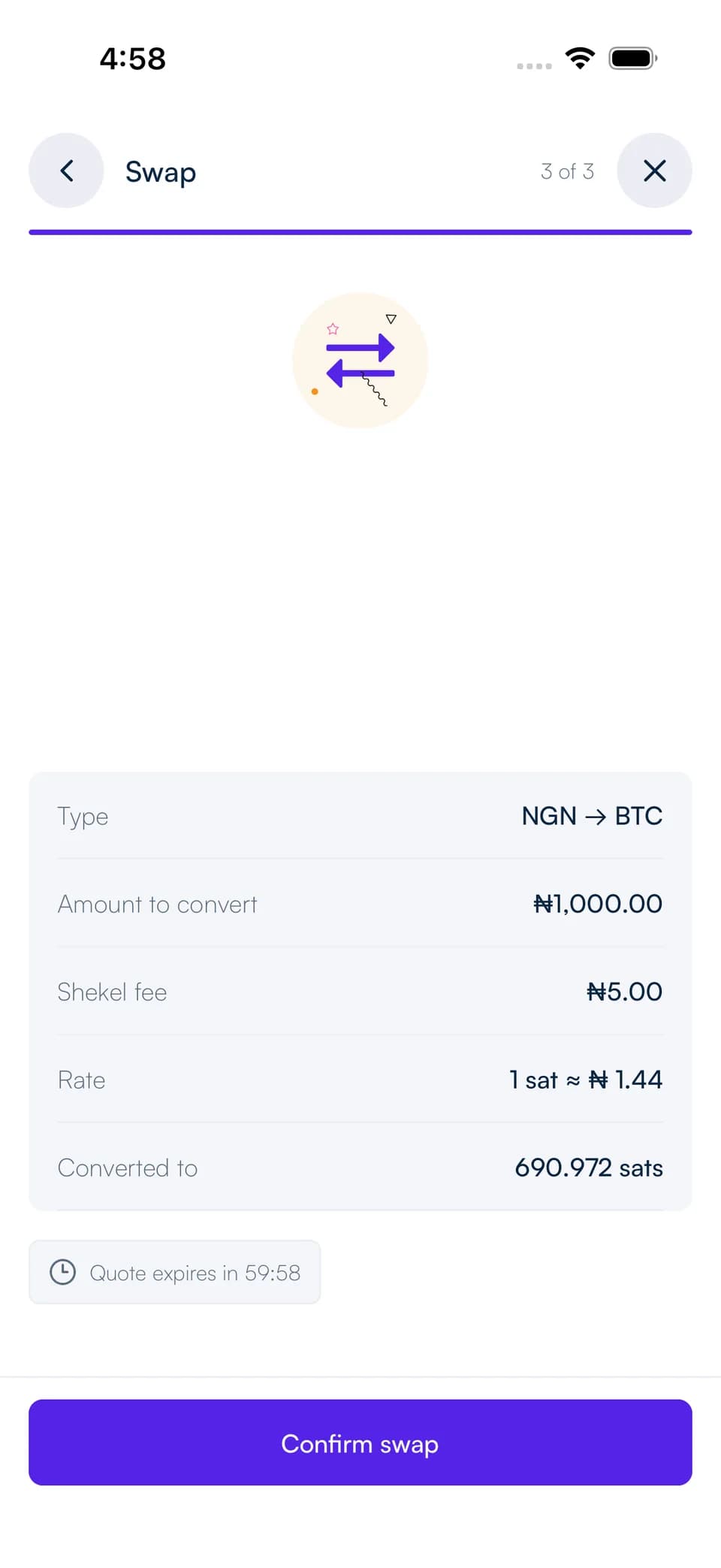
Review the balance you are paying from, the amount going to the destination, the exchange rate, and the fee. Check the recipient and payment method on the same review.
Fees differ between swaps, bank transfers, and Bitcoin or USDC transfers. Your quote shows the charge for the payment you have chosen.
Keep your activity in view
Follow each payment's status in your Shekel activity and open its details to see the amount and reference. Bank and network processing times depend on the transfer method.
Use your transaction history and account statements to keep track of your money. For help with a particular payment, share its reference with Shekel support.