FRIENDS & PAYMENTS
Send money to friends on Shekel
By the Shekel team · Product guide
Pay back a friend, split a bill, or send money to family. A Shekel tag or payment link connects you to the right person without exchanging bank account details.
Follow along in the mobile app
Shown on iPhone with example details. Use the amounts, rates and payment details in your own Shekel account.
STEP 1
Choose your friend and the amount
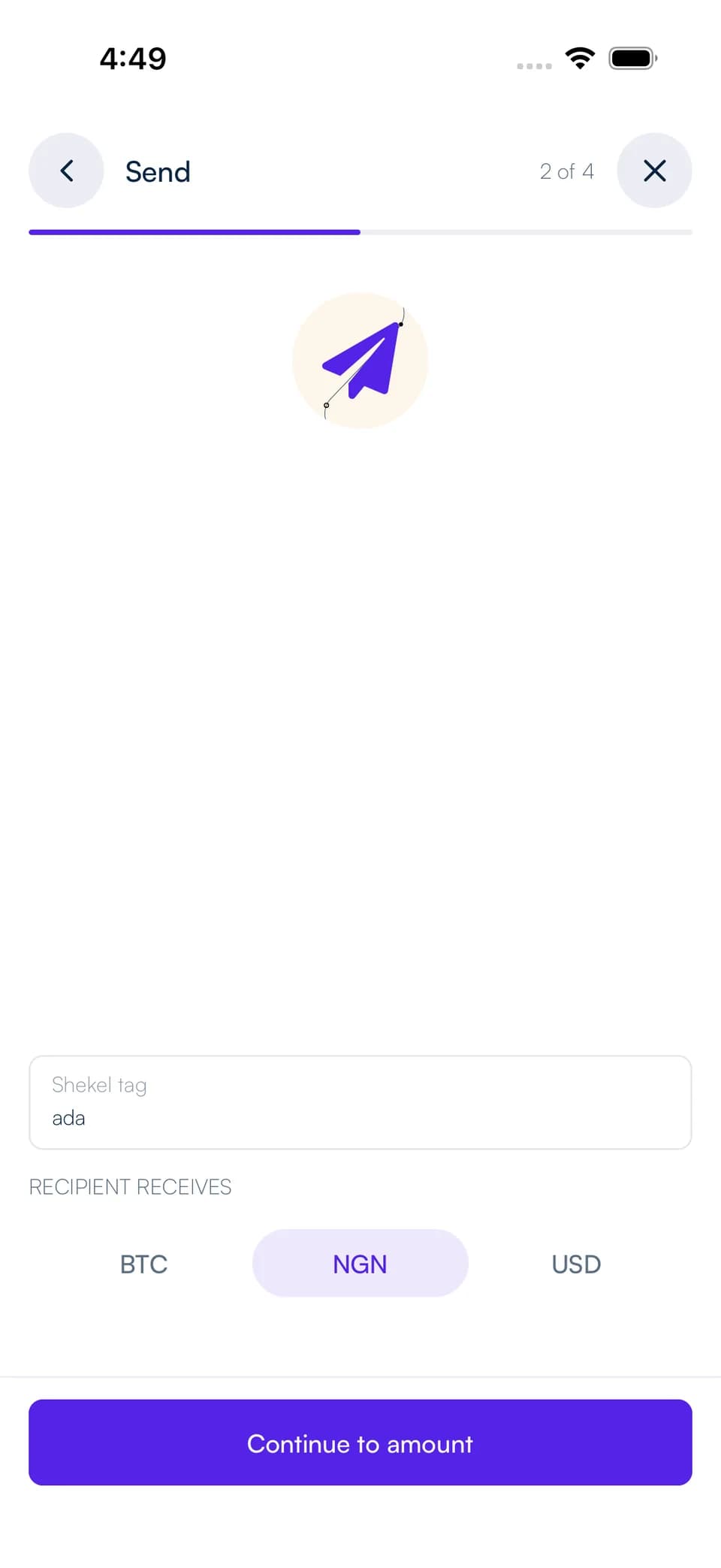
Open Send and choose Shekel tag, or open your friend's payment link. Check their tag and any name or photo they have chosen to share.
Choose the balance to pay from, enter the amount, and select the currency your friend will receive. You can send between naira, US dollars, and Bitcoin; the review shows any conversion and fee before you confirm.
STEP 2
Review and send
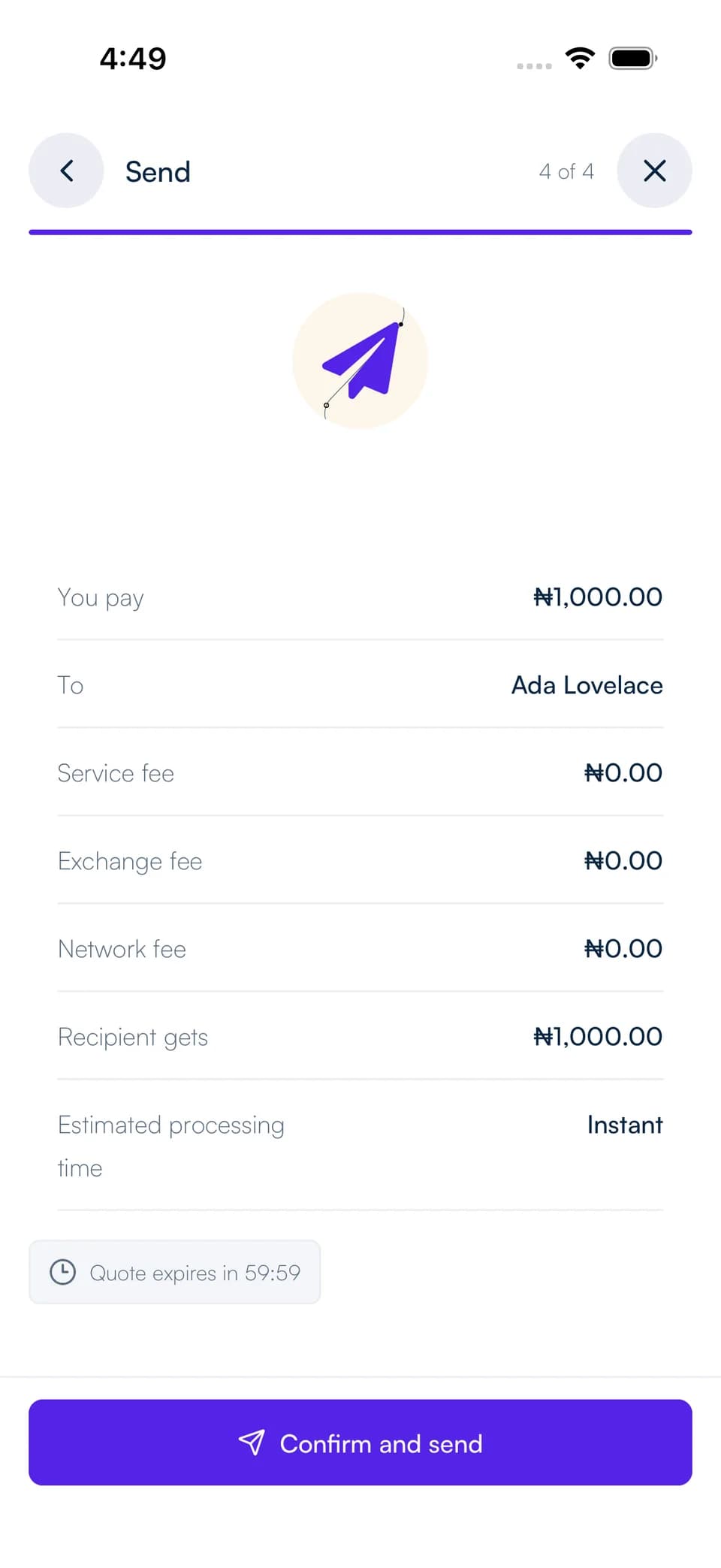
Review the recipient, what you will spend, and what your friend will receive. Complete the security confirmation shown in your account to send the payment.
Follow the payment in your activity. If it is awaiting your friend's acceptance, they can open the incoming payment and accept it into their balance.
Make the next payment even easier
When accepting an incoming payment, choose Add sender to trusted list to receive future payments from that person automatically. Leave it unchecked if you prefer to review each incoming payment.
You can accept or decline a pending direct payment from its details. Paying a payment request is a separate flow: the requester receives the completed payment without another acceptance step.