REQUEST MONEY
Request money and track payments on Shekel
By the Shekel team · Product guide
Make the amount clear from the start. A Shekel payment request brings the amount, currency, and payment status together, whether you are collecting a shared expense or following up on money owed.
Follow along in the mobile app
Shown on iPhone with example details. Use the amounts, rates and payment details in your own Shekel account.
STEP 1
Create a request for the payment
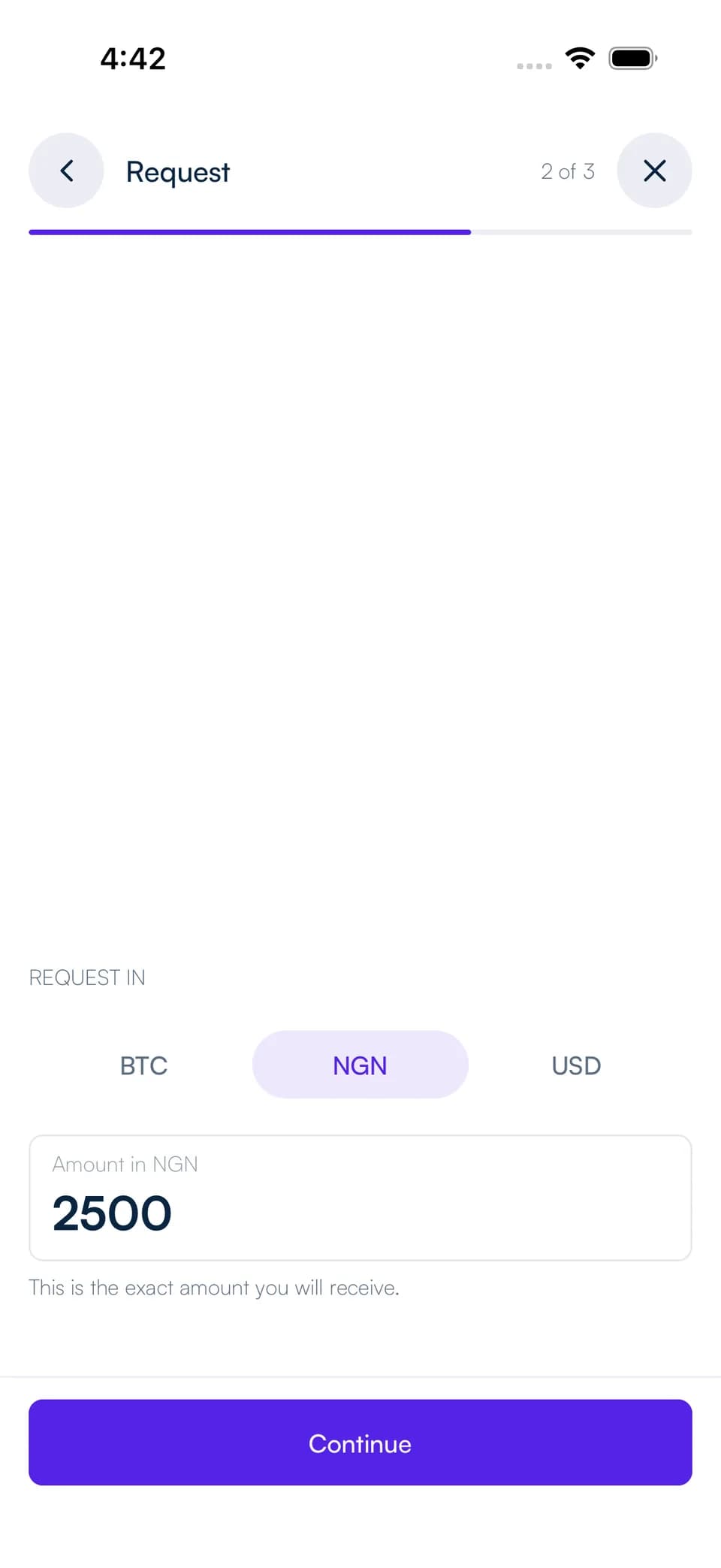
From Home, open Request and choose Request a specific amount. Select the currency, enter your amount, then tap Continue.
Choose anyone with the link or a specific Shekel tag, add an optional note, and review the expiry. Tap Create request when the details are ready.
STEP 2
Share it and follow the result
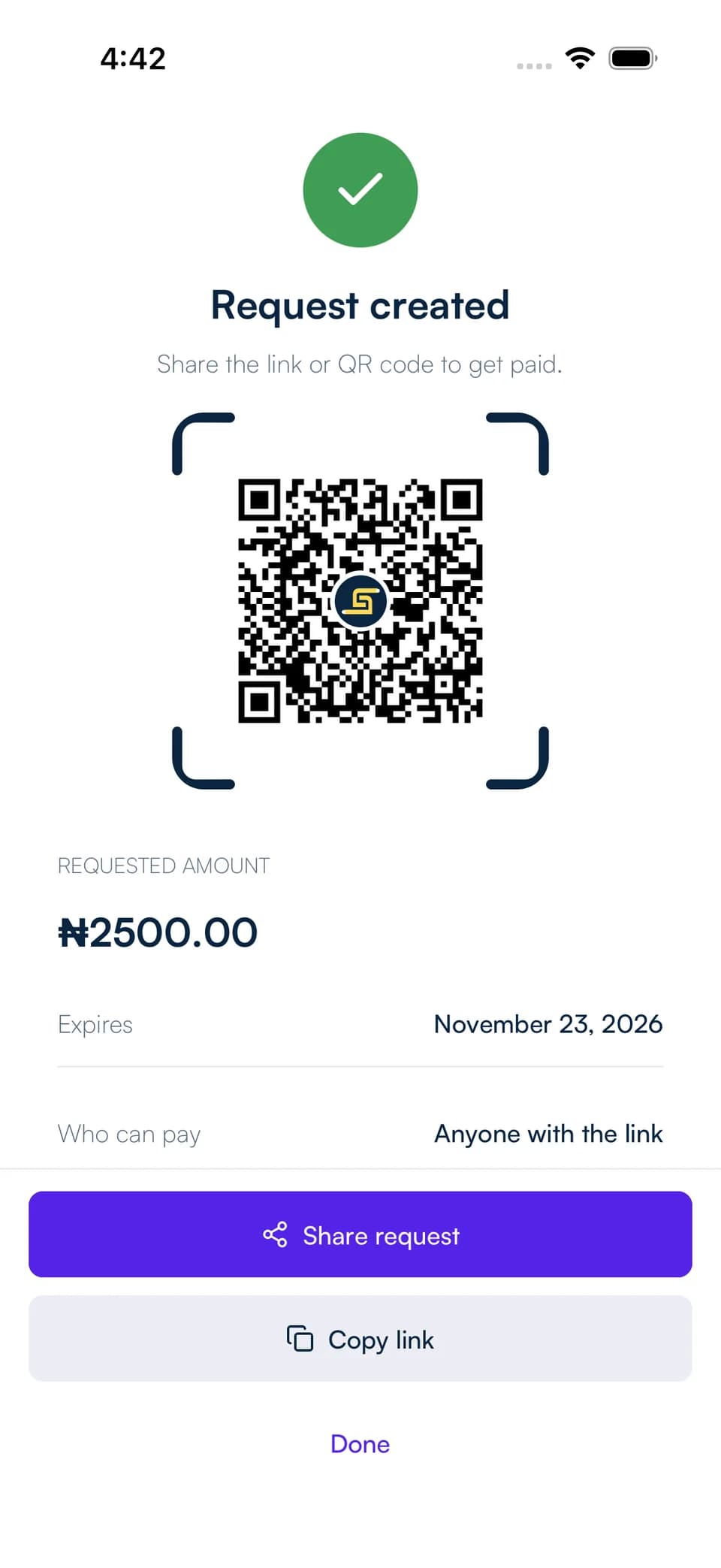
Share the request link or QR code using the controls in Shekel. A request sent to a specific tag also appears in that Shekelite's Received requests.
The payer signs in, reviews the request, chooses a balance, and confirms the payment. You can follow open and past requests in your Created view and open a paid request to see the receipt.
Keep your requests organized
Send a one-time reminder from an active request addressed to a Shekel tag, or cancel an active request you no longer need. Completed requests stay in your history.
Use Request again on a past paid, expired, or cancelled request to start a new draft you can edit. Your reusable payment link remains a separate option for payments where the sender chooses the amount.