USDC TRANSFERS
Receive and send USDC with Shekel
By the Shekel team · Product guide
Connect your Shekel balance with USDC wallets on Arbitrum, Base, Ethereum, and Polygon. Receive a USDC transfer, choose the currency you keep in Shekel, or send funds to another USDC wallet.
Follow along in the mobile app
Shown on iPhone with example details. Use the amounts, rates and payment details in your own Shekel account.
STEP 1
Receive USDC into your chosen balance
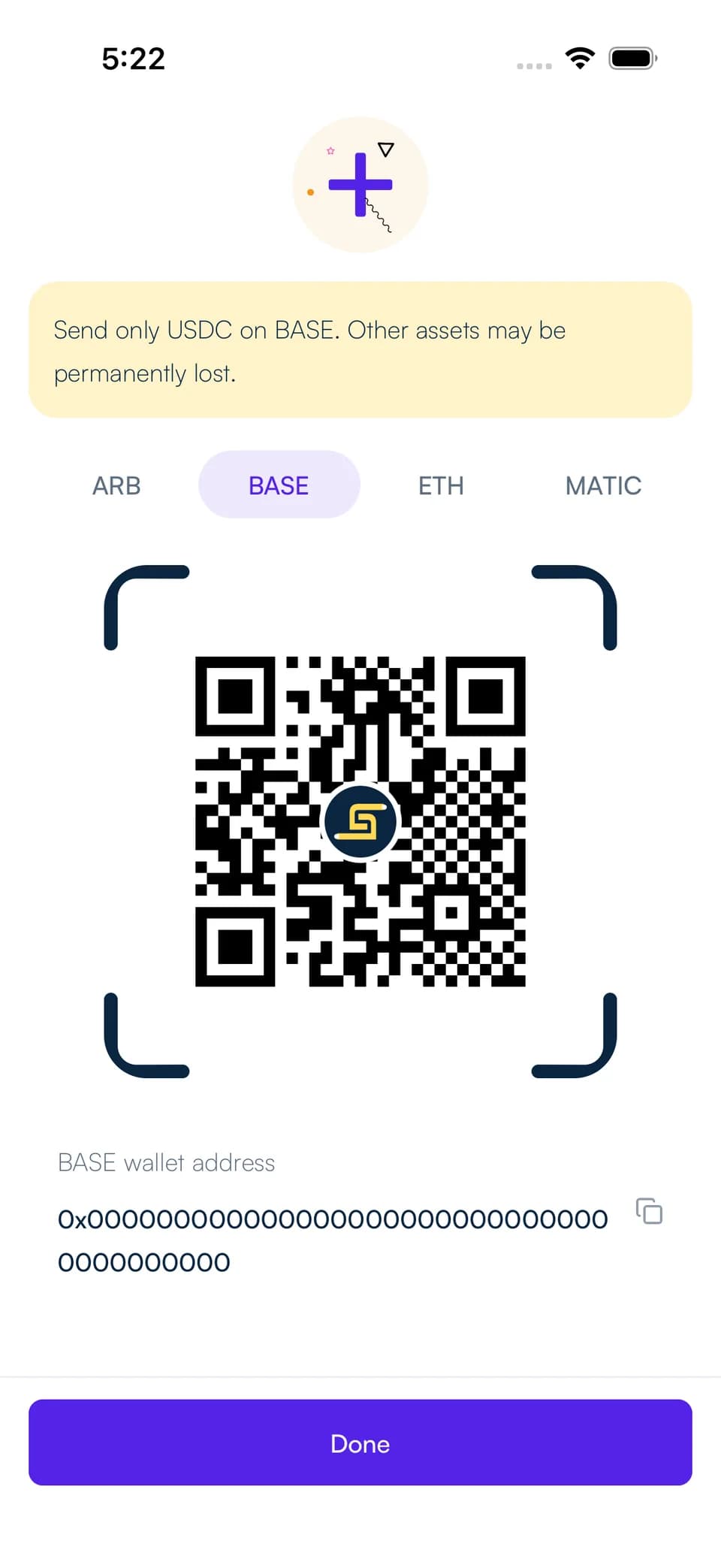
Open Receive, choose the balance you want to receive into, and select USDC. Choose Arbitrum (ARB), Base (BASE), Ethereum (ETH), or Polygon (MATIC) to display that network's wallet address and QR code. The example below shows Base.
Share both the address and the network with the sender. They should select USDC on that same network. Your chosen destination balance determines whether you receive USD or convert the incoming funds to naira or Bitcoin.
STEP 2
Send to a USDC wallet
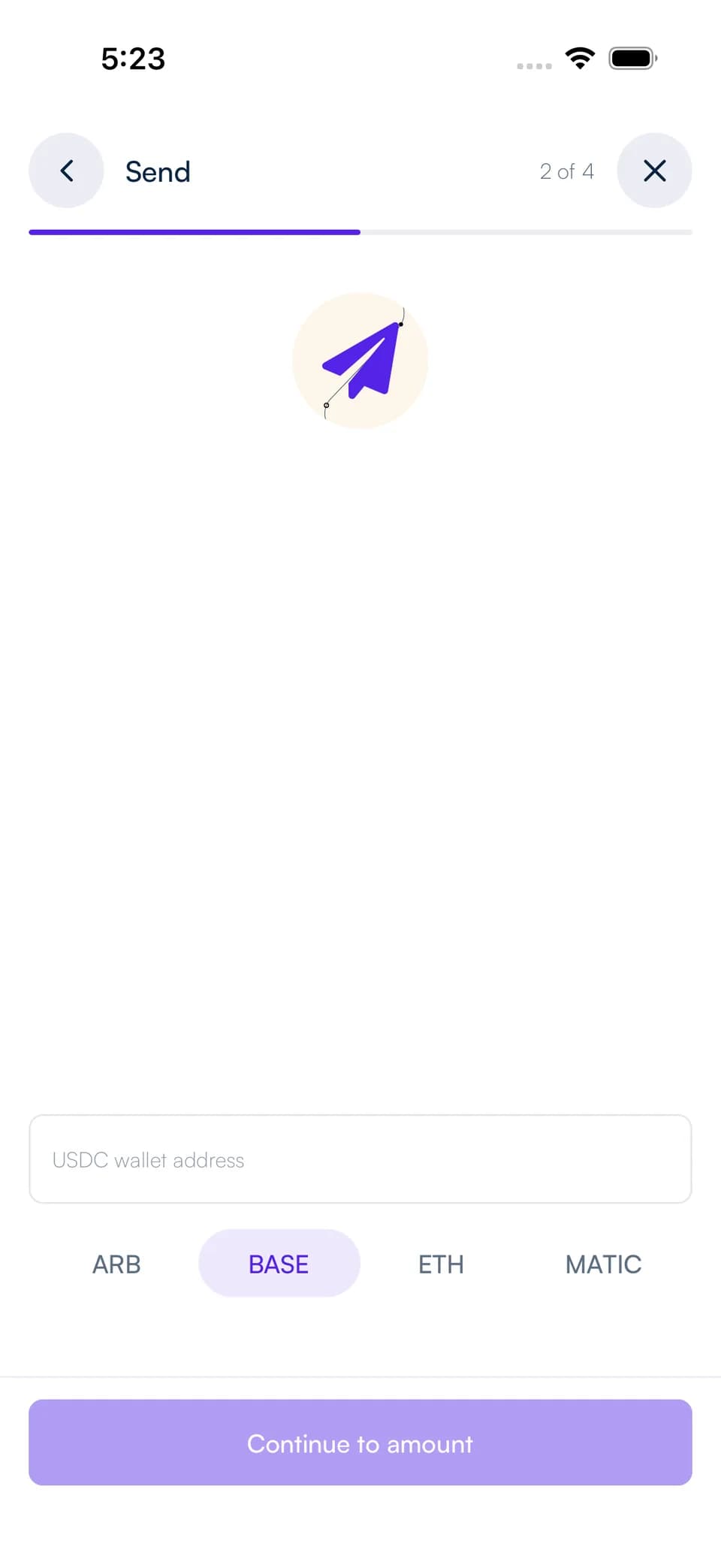
Open Send, choose USDC Wallet, and select a saved wallet or enter the recipient's address. Choose Arbitrum, Base, Ethereum, or Polygon to match the recipient's receiving network.
Choose the balance to pay from and enter the amount. Review what the recipient will receive, any conversion, and the fee before completing the security confirmation.
Keep the payment details together
Find incoming and outgoing transfers in your Shekel activity. Open the transaction to review the amount, address, network, and current status.
Use the network options shown in your account for each transfer. USDC wallet transfers are separate from USD bank transfers, which use account and routing numbers.